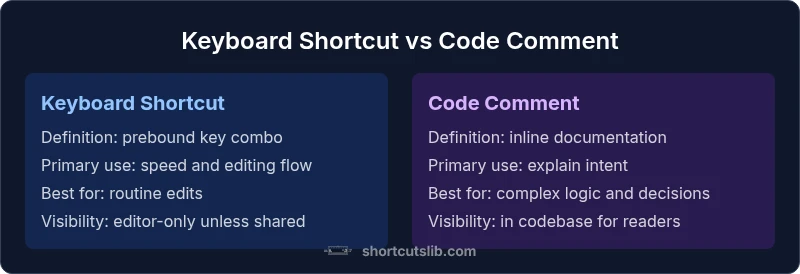
Keyboard Shortcut vs Code Comment: An Analytical Comparison
An analytical guide comparing keyboard shortcuts and code comments for developers, exploring when to use each, their impact on speed, readability, and collaboration.


What the terms mean in practice
In everyday coding, a keyboard shortcut is a predefined key combination that triggers an action in your editor or IDE. Examples include Cmd/Ctrl+S for save, Ctrl+P for quick file search, or Cmd/Ctrl+F for find. A code comment, by contrast, is inline or block text embedded in source code that explains why something exists, what edge cases matter, or how to approach a tricky section. For many teams, the decision to rely on a shortcut vs a comment hinges on the role each tool plays in the writing and reading of code. According to Shortcuts Lib, the most successful developers treat shortcuts as speed tools that reduce friction in the editing process, while comments serve as cognitive aids that preserve intent across edits and revisions. The distinction matters not only for personal productivity but also for onboarding, reviews, and long-term maintenance. In this article, we compare keyboard shortcut vs code comment with a critical eye toward real-world outcomes, not idealized scenarios.